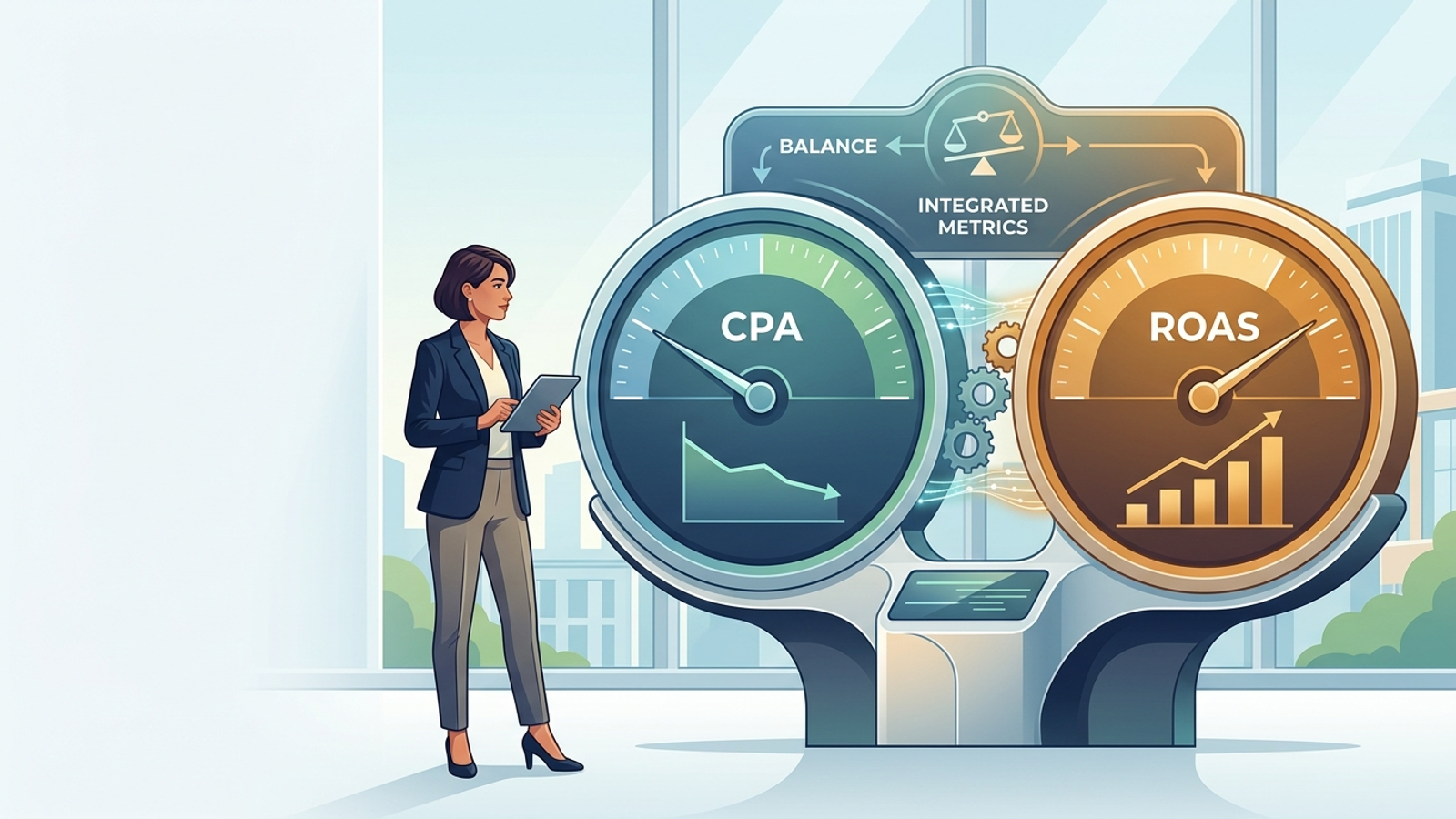
Most advertisers think AI Overview ads are a campaign type they missed in the interface. They are not. If you run Search, Shopping, or Performance Max, you may already be eligible to run them.
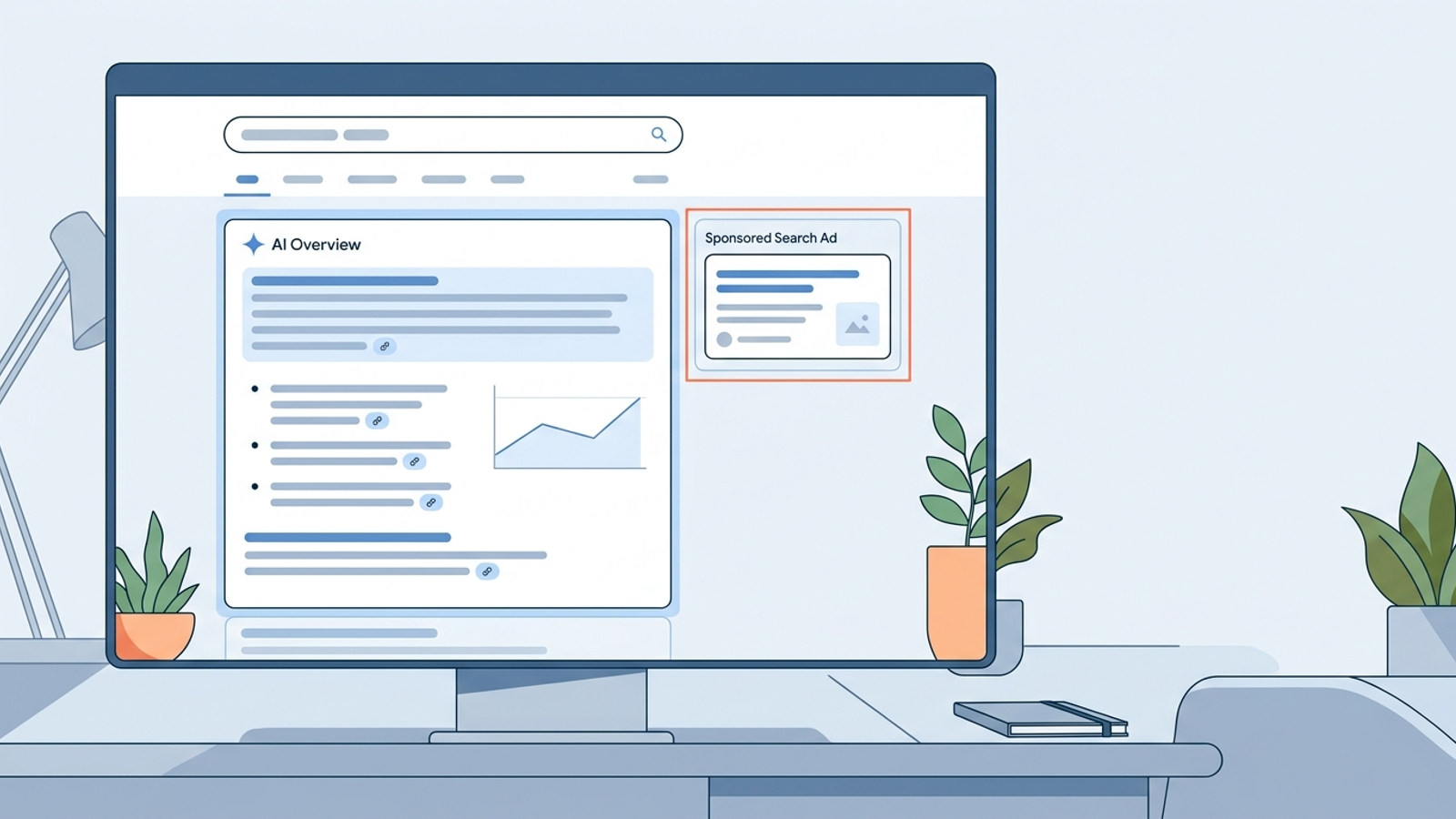
Google pulls from existing campaigns and can show Search and Shopping ads directly within AI Overviews when they are relevant to both the query and the response. They carry a Sponsored label. There is no extra opt-in, no separate overview campaign, and no button that says, “Please put my ad beside the robot answer.”
I used to tell clients the top slot was the prize. I was wrong. The AI answer is now the top slot. Your ad can appear above it, below it, or inside it. Google has confirmed that an ad can show above or below an overview, or within it, but not both at once.
You cannot target that placement directly. You cannot opt out of it. You do not get clean reporting for it. Say you spend $20k a month on high-intent queries: the auction may be familiar, but the container is not. Same campaign. New page geometry. Less visibility into where the click came from.
Plan for that before you touch a bid.
AI Overview ads are two placements, not one
Google groups two different placements under the same name, which is where most of the confusion starts.
Ads above or below an AI Overview follow the normal auction. They can use text, Shopping, local, or app creative. Ads within an overview are narrower: only text and Shopping ads from existing Search, Shopping, and Performance Max campaigns are eligible, and only when they win the auction and match both the query and the content of the AI Overview itself.
That second match is what advertisers miss.
Google can detect commercial intent in the journey even when the query itself looks informational, then pull a relevant ad into the answer as the next logical step. Consider a search for “why is my pool green and how do I clean it.” The overview explains testing the water and vacuuming debris. A pool vacuum ad does not neatly match the literal query. It matches the solution inside the answer.
If your keywords only cover the buying query, you may never enter that auction.
Google also confirms three hard limits:
- You cannot target AI Overviews directly.
- You cannot opt out of them.
- You do not get segmented reporting when you serve there.
Ads inside the overview are simply reported as Top Ads. That is not a measurement framework. It is a filing cabinet with one drawer labelled “top.”
Practical takeaway: treat AI Overview placement as automatic distribution for campaigns you already run, not as a new lever to pull.
The page changed before your bids did
When an AI Overview fires, the geometry of the page changes before a single bid changes. The answer block can take the top 800 pixels or so on desktop and most of the first screen on mobile. Classic text ads and organic listings get pushed down.
The click you used to win with position 1.5 and a tight headline now competes with a summarized answer that may have already given the searcher half of what they wanted.
The impression still counts. The intent behind it may be thinner.
I saw this first on home-services queries last spring: same keywords, same budgets, fewer calls. Searchers read the steps in the overview and decided to DIY, delay, or keep comparing. None of that shows up as an obvious account-setting mistake. It just looks like a conversion-rate problem until you look at the shape of the search result.
The second shift is quieter and usually more expensive. Queries that did not previously clear commercial intent can now carry ads inside the answer. A troubleshooting query becomes a shopping query halfway through the page.
That widens the bidder pool. It can raise the clearing price for clicks that convert at a lower rate.
If you keep the same target CPA you used in 2024, Smart Bidding may throttle volume to protect the target. If you loosen the target, CPA can climb for two weeks before it settles. Neither outcome automatically means the campaign is broken. It means the query may now be serving a different slice of intent.
Practical takeaway: separate volume from efficiency for keyword groups where overviews appear regularly, or you will diagnose a placement shift as a creative problem.
Attribution gets blurrier before it gets better
Here is the reporting gap nobody puts in the slide deck. An ad shown inside an overview is logged as a Top Ad, the same bucket as the classic ad sitting above organic results. There is no overview-versus-non-overview split, no placement ID to exclude, and no audience to inspect.
So your Search terms report can look steady while cost per booked job drifts up 12% in a month. The cause sits upstream of the click: the searcher arrived pre-answered, less urgent, and more comparison-minded. Google still charges full auction price for the click. Your CRM can still score that lead as high intent because the keyword says otherwise.
I stopped trusting click metrics for those queries. I trust downstream revenue tied back with first-party data.
For lead generation, that means importing qualified pipeline and closed-won value through enhanced conversions, then giving Smart Bidding 30 days to relearn on that signal. For ecommerce, it means using value rules by margin instead of a blended ROAS target that treats every order as equally useful.
Practical takeaway: when overviews own core queries, optimize toward what cleared the bank, not what earned the click.
The controls you still have
The non-controls are simple: you cannot target AI Overviews, opt out of them, or see a clean placement split in reporting.
What you can control is whether your campaigns are eligible to appear inside them at all.
Google’s liaison has confirmed that three campaign types can serve in AI Overviews:
- Broad match with Smart Bidding
- Performance Max
- AI Max for Search
Exact-match keywords are not eligible to serve within AI Overviews, even when identical broad-match keywords exist in the same account. Existing text, Shopping, local, and app ads can still show above or below the overview. But inside it, eligibility is limited to text and Shopping ads from Search, Shopping, and Performance Max.
I ran exact-heavy builds for years because they kept waste down. I was wrong to keep them that tight.
An exact keyword matches the query. An overview ad has to match the query and the answer text, which often uses different words. Broad match with Smart Bidding, AI Max with final URL expansion, and Performance Max give Google the flexibility to make that second match. That is why Google keeps recommending Shopping, Performance Max, and AI Max for Search for this placement.
Say you spend $20k a month across 400 exact keywords. You do not need to rebuild the account because Google changed a results page. Keep the exact campaigns as your control. Add one broad-match or AI Max test campaign for each core theme. Set brand exclusions so the test does not eat brand traffic and declare victory over work it did not do.
Eligibility gets you in the room. Concrete detail gets the click.
Creative matters more inside an answer because the ad sits beside a summary, not a list of blue links. Copy that repeats the query loses. Copy that completes the answer has a chance.
Use the details the summary leaves out:
- Specific sizes and compatibility
- Price or price-from information
- Turnaround time
- Ratings
- Promotions
- Useful sitelinks
Fill every relevant asset. Write Shopping feed titles for the way people describe the problem, not for your internal SKU logic. If the overview explains the job, your ad should price the job.
Practical takeaway: make the ad the useful next step, not a clumsy echo of the search.
Measure the shadow, not the individual overview click
I gave up trying to prove that a single click came from an overview. Without a placement split, you measure the shadow it leaves.
Pick the 20 to 30 query themes where you see AI answers most often. Tag them in a sheet. Track them as a cohort against themes where the classic page still appears. Then watch the pattern over a four-week window:
- Impressions flat, CTR down 15% to 30%: the answer is taking the top click.
- CPC up, conversion rate down: broader bidders entered and intent thinned.
- Cost per qualified lead up while cost per raw lead holds: pre-answered searchers still click, but they buy less.
That third line saves budgets.
If you only watch CPC or cost per form fill, the account can look fine while pipeline rots. Tie the cohort back to CRM stage or order value. Give any bid change 30 days to relearn. If your sales cycle is longer, wait for the sales cycle rather than declaring a winner because a dashboard looked pretty after 10 days.
Practical takeaway: stop asking which click came from AI. Ask which query group pays less since AI arrived.
The other fix is structural. Move one test theme to value-based bidding tied to qualified pipeline or margin. Keep the rest on the old target as the control. Compare closed-won CPA after a full sales cycle.
On a SaaS account I ran, demo volume dropped 11% after that switch, while sales-accepted pipeline rose 19% in six weeks. The mechanism mattered: better downstream signal taught the bidder which cheap information clicks to skip. The result came after.
If the answer owns the top of the page, your bid has to know what a good click is worth downstream.
Adapt the account without rebuilding it
You do not need a new strategy for AI answers. You need your current structure to tolerate them.
This is the short operating list I use:
- Keep exact match for control. Add one broad-match or AI Max test per core theme so you remain eligible inside the overview.
- Protect brand traffic. Set Performance Max brand exclusions and account-level negatives so the test does not steal cheap brand clicks and call it growth.
- Rewrite keyword-parroting headlines. Replace them with the detail the overview does not provide: fit, size, price from, turnaround time, or rating count.
- Fix feed titles the same way. Use problem language a buyer would type at 11 p.m., not the taxonomy someone built for inventory management.
- Use a downstream target for the test. Optimize toward qualified-lead value or margin-weighted revenue, while the control stays on the old CPA target for one full sales cycle.
This is where most weekly check-ins fall apart. Overviews rewrite themselves daily. Competitors enter the same answer. CPCs move on queries you did not touch. A human reviewing the account on Friday sees the damage on Monday.
That is why I moved this work to continuous execution. With groas paid search, specialized models watch those shifts 24/7, adjust bids and budgets as the answer changes, and log every action with reasoning. A named strategist still owns direction and guardrails.
Recommendations are cheap. Execution is the product.
This will not matter equally for everyone. Skip the rebuild if it does not fit.
If you spend under $5k a month on a tight set of exact brand and near-brand terms, and no overviews are showing, leave it alone and check again next quarter. If you run lead generation with a 60-day sales cycle, do not judge the test after 10 days. And do not chase overview traffic by bidding on “how to” queries you would never have bought before.
The mechanism is simple: the answer creates the ad opportunity, which means the click arrives earlier in the journey and may close at a lower rate. Paying full price for that click only works when your bid knows its downstream value.
The top slot did not disappear. It moved inside the answer, and Google decides who gets in based on campaigns you already run. Keep one eligible test per theme. Write creative that completes the answer instead of repeating it. Judge the result on qualified pipeline and closed revenue after a full learning window.
That is the whole job.
If you want a second set of eyes on where spend leaks first, get a full audit and compare overview-heavy query groups against the rest before changing another bid.